How to Install Caveman on Claude Code (And Whether It Actually Saves Tokens)
Caveman promises to cut your Claude Code token bill by talking like, well, a caveman. Drop the articles, skip the pleasantries, strip the hedging — and supposedly save 65% of your output tokens in the process. That number is everywhere: in the plugin's own docs, in half a dozen "how to install" posts, in the tweet that probably sent you here.
It's also not the number that ends up on your invoice.
This piece covers both halves of what you actually need: how to install Caveman from the Claude Code plugin marketplace correctly — there are two different repos claiming the name, which nobody seems to be pointing out — and what independent benchmarks, not the vendor's own numbers, actually found when they tested it. Short version: it works, but not for the reason most of the coverage says it does.
What Is the Caveman Plugin for Claude Code?
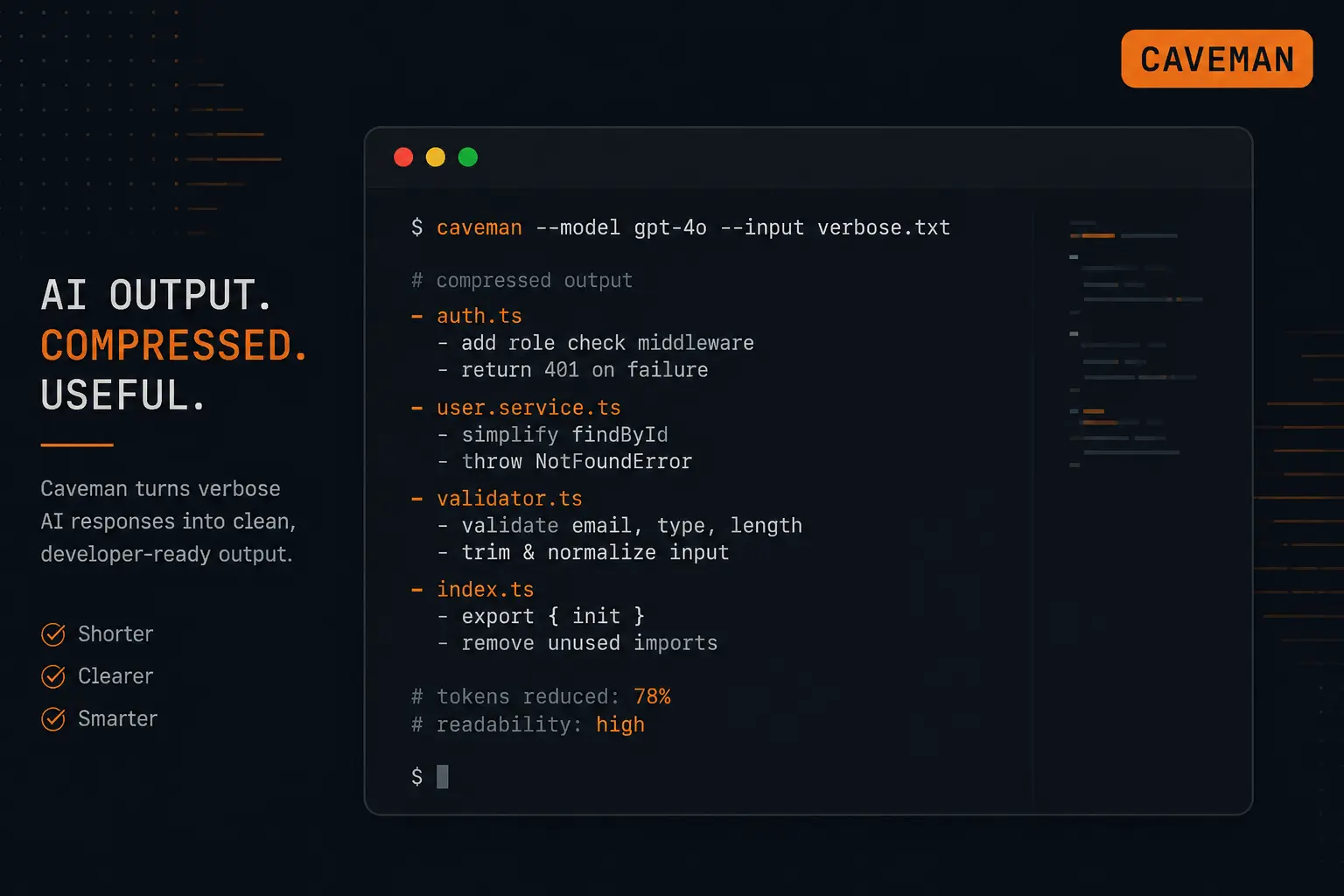
Caveman is a skill for Claude Code that changes how Claude talks, not what it does. Once it's active, responses get compressed — articles disappear, pleasantries get cut, hedging language like "it's worth noting that" gets stripped out, and explanations come back in short, fragment-heavy bursts instead of full paragraphs. A question like "what's a closure in JavaScript" gets an answer that reads more like a terminal log than an essay.
The concept didn't start with the plugin you're about to install, though. It originated as one skill inside developer Matt Pocock's public skills repository on GitHub — specifically the productivity/caveman skill, part of a much larger collection that's picked up tens of thousands of stars in its own right. Pocock's own claim for the skill is roughly a 75% token cut.
What most install guides are actually pointing you toward is a separate, standalone repackaging of that idea into an installable Claude Code marketplace plugin, built by Julius Brussee, with its own added tooling and its own, lower benchmark number — 65%, not 75%. Brussee's README doesn't credit Pocock's original anywhere. A second marketplace listing, maintained by someone else entirely, does describe itself as derived from Pocock's work. Worth knowing going in, since it's exactly the kind of fragmentation that matters for the installation section below.
In practice, you turn it on with /caveman, and once it's running you'll see a small orange [CAVEMAN] badge in your statusline tracking how much it thinks it's saving you. It's not exclusive to Claude Code, either — the installer supports 30-plus coding agents, including Cursor, Windsurf, Cline, and GitHub Copilot, so if you've heard about it from someone using a different tool, that's why.
None of that tells you whether it's worth running. That's the point of the next few sections.
How to Install Caveman via the Claude Code Plugin Marketplace
Claude Code's plugin marketplace isn't a centralized app store — it's a lot closer to adding a package repository. A marketplace is just a marketplace.json file hosted in a git repo, and anyone can publish one. You add a marketplace with /plugin marketplace add, install individual plugins from it, and pull updates later with /plugin marketplace update. There's no central review process sitting between "someone published a marketplace" and "you can install from it."
That matters here because there isn't one clean install command for Caveman — there are at least two, pointing at two different repositories:
claude plugin marketplace add JuliusBrussee/caveman && claude plugin install caveman@cavemanand
/plugin marketplace add alirezarezvani/claude-skills && /plugin install caveman@claude-code-skillsThe first points to a standalone repo built specifically around Caveman as its own plugin. The second installs a "caveman" skill bundled inside a broader skills collection maintained by a different account entirely. Both are floating around in guides and directory listings right now, sometimes on the same page, without anyone flagging that they're not the same thing — and neither one is technically "the original." That credit goes to Matt Pocock's skills repository, where caveman lives as one skill among many, as covered above.
If you just want the underlying skill file without the marketplace packaging, extra commands, and companion tools, you can pull productivity/caveman/SKILL.md directly from Pocock's repo and load it into Claude Code yourself. If you want the fuller plugin experience — intensity-switching commands, stats tracking, multi-agent support — you're choosing between two third-party repackagings, and it's worth treating that choice with the same scrutiny you'd give any dependency: check commit history, maintainer activity, and issue tracker health before installing either one.
You'll want the Claude Code CLI installed (claude --version should return a version, not an error), Node.js 18 or higher (node --version to check), and an active Anthropic API key set as an environment variable before any of this works.
Caveman Commands and Intensity Levels
Once it's installed, the day-to-day surface looks like this:
Command | What it does |
|---|---|
| Turns caveman mode on (defaults to full compression) |
| Drops filler words, keeps grammar readable |
| Default caveman compression |
| Telegraphic, heavily abbreviated |
| Compression patterns borrowed from classical literary Chinese — the most aggressive mode |
| Turns it off for the session |
| Shows your token savings for the session |
| Shrinks your CLAUDE.md file — this one's aimed at input tokens, not output, more on that below |
Ultra and wenyan are the settings that generate the viral screenshots — Claude answering in clipped, almost telegraphic sentences, or in a style borrowed from classical Chinese compression conventions. But according to Max Taylor's independent benchmark (more on that below), ultra mode actually produced slightly more tokens than lite or full in testing, not fewer. Taylor's write-up attributes this to what he calls an "Auto-Clarity" behavior — the plugin backing off compression around safety warnings, irreversible actions, and multi-step instructions, deliberately trading some brevity for making sure you don't miss something important. That's Taylor's own characterization based on observed behavior, not something spelled out in the plugin's own documentation, but it lines up with what he measured.
Does Caveman Actually Save Tokens? What the Benchmarks Show
Three sources have measured this, and they don't agree — not because any of them are lying, but because they're measuring three different things.
The vendor's number. Caveman's own documentation cites a 65% mean reduction in output tokens, tested across ten prompts, with results ranging from 22% to 87% depending on the prompt. That's the number doing most of the work in making this thing go viral, and it's roughly in the same range as Pocock's own ~75% claim for the underlying skill.
The independent "be brief" test. Max Taylor ran a more careful comparison: 24 prompts across six categories — bug diagnosis, concept explanations, architecture tradeoffs, multi-step setup, security operations, error interpretation — tested against five conditions: no instruction at all, a plain "Be brief." prompt, and Caveman at lite, full, and ultra. The baseline averaged 636 tokens. Just typing "Be brief." got that down to 419 tokens, a 34% cut. Caveman's lite and full modes landed at 401 and 404 tokens respectively — barely better than the two-word instruction — while ultra actually came in higher, at 449 tokens, for the Auto-Clarity reason described above. Response quality stayed essentially flat across every condition: 0.985 for both the baseline and "be brief," dipping only slightly to 0.976, 0.975, and 0.970 for lite, full, and ultra. Every arm scored within about 1.5% of every other arm.
The production-realistic number. JetBrains ran the most rigorous test of the three: 240 billed trials across three runs, using their Harbor 0.17 evaluation harness against 82 paired tasks pulled from an 86-task SkillsBench benchmark, at a cost of about $106 in API spend. Their result: an 8.5% reduction in output tokens during realistic agentic workflows — not 65%. The gap comes down to what actually makes up a typical Claude Code session's output: most of it is code, diffs, and tool calls, and Caveman doesn't touch any of that. It only compresses the narration in between, the conversational scaffolding around the actual work.
Translated into dollars, JetBrains estimated that 8.5% output-token cut worked out to roughly a 10% reduction in expected session cost — though they flagged that number as somewhat unstable, swung around by a handful of outlier tasks. Quality impact was statistically undetectable, with a p-value of 0.82.
So which number is "true"? All three, technically — they're just answering different questions. The 65% figure is real if you isolate short, narration-heavy exchanges and measure output tokens alone. It stops holding up once you're talking about a real coding session, where most of what Claude sends back is code and tool calls that Caveman doesn't compress at all — which is exactly what JetBrains found when they measured a realistic workflow instead of isolated prompts. That's the number worth anchoring on if you're deciding whether this changes your bill: roughly 8.5% off output tokens, translating to something in the neighborhood of a 10% cost reduction by JetBrains' own accounting. Not 65%, and not Pocock's 75%.
What the data actually supports, consistently across all three sources, is narrower than the headline: Caveman's real value isn't the raw token cut. It's that it gives you a stable, switchable way to keep output terse without having to remember to say "be brief" every message, and its intensity levels let you dial that up or down mid-session.
Companion Tools: caveman-compress and caveman-shrink
If output compression only shaves single digits off your real bill, the more interesting pieces of this project are the tools built to hit the token category that actually matters most: input and context.
caveman-compress targets your CLAUDE.md file directly, shrinking the project context Claude loads at the start of every session. caveman-shrink is an optional MCP middleware, distributed as its own npm package, that wraps any MCP server and compresses the tool descriptions it sends to the model. Neither has the viral appeal of watching Claude answer in grunts, but based on where JetBrains found the money in a Claude Code bill actually goes, they're arguably doing more useful work than the headline feature.
Is It Safe to Install Caveman? What to Check First
Nothing in the research for this piece suggests Caveman itself is malicious — there's no evidence of that, and it shouldn't be implied. But the broader context around Claude Code's plugin marketplace is worth knowing before you install anything from it, Caveman included.
Security researchers at PromptArmor documented in October 2025 how Claude Code's marketplace ecosystem can be abused: malicious plugins using hooks to rewrite permission files or auto-approve commands, bypassing the human-in-the-loop checks that are supposed to catch dangerous actions, and prompt injections embedded in plugin commands designed to exfiltrate files to an attacker's server. Part of their point was how easy this is to pull off — they registered a convincing fake account and demonstrated a malicious marketplace becoming discoverable within about an hour, because registries like claudecodemarketplaces.com automatically index new repositories hourly and don't vet individual plugins.
That's exactly the kind of environment where you don't want to be casually running install commands from whichever blog post you found first — and Caveman's fragmented, three-source situation (Pocock's original skill, plus two separate marketplace repackagings) is a good example of why. When something has multiple sources claiming the same name, that's your cue to actually look, not just copy-paste. A short checklist before installing Caveman or anything similar:
Check the repo's commit history and issue activity — is it still maintained, or was it abandoned after the initial viral push?
Look at who's actually behind it. A named, findable maintainer with a track record is a different risk profile than an anonymous account.
If you can, skim the plugin's actual hooks and permissions before installing rather than after.
Remember that
/plugin marketplace updatepulls in whatever the maintainer pushes next — installing once isn't a one-time trust decision, it's an ongoing one.
None of this is unique to Caveman. It's the baseline for installing anything from an unmoderated plugin ecosystem, and Caveman just happens to be a good, current example of why the baseline matters.
Does Caveman Work for Teams, or Just Solo Coding?
Nobody's actually tested this, so it's worth being honest about that rather than pretending otherwise. Every review, benchmark, and install guide currently out there is written from the perspective of one developer running Claude Code solo — none of them touch what happens when terse, fragment-heavy output ends up in a pull request description, a commit message a teammate has to parse later, or an onboarding session with someone new to the codebase.
Reasoning it through rather than citing data that doesn't exist: compressed output that's fine for you, mid-flow, iterating quickly on your own machine, is a different animal once it becomes a written artifact other people read without the context you had in your head. A terse commit message might just be an annoyance. A terse explanation embedded in a PR description that a teammate has to reverse-engineer later is a worse trade. If you're using Caveman on a team, it's probably worth keeping full-length output for anything that becomes a permanent record — PRs, docs, commit messages — and reserving the more compressed modes for your own interactive back-and-forth.
Verdict: Should You Install Caveman?
Strip away the headline number and what's left is a legitimately useful, much smaller tool. Caveman doesn't cut 65% off your Claude Code bill — the honest, production-tested number is closer to single digits on cost, because it only compresses the narration around your code, not the code itself, and narration was never the expensive part of the bill to begin with. A plain "be brief" instruction gets you most of the same savings for free, with zero install risk.
What Caveman actually earns its install for is consistency and control: a switchable, stable way to keep output short without re-typing an instruction every message, plus companion tools (caveman-compress, caveman-shrink) that go after the token category — input and context — that's actually driving your costs. If that's what you want, it's a reasonable install, as long as you treat the fragmented sourcing as a reason to check provenance rather than grab the first command you find, and apply the same due diligence you'd use for any third-party plugin with shell-level access to your coding agent.
If you installed it hoping for a 65% smaller bill, temper that expectation now. You'll notice shorter answers. Your invoice will notice a lot less.