Claude Chat vs Claude Code vs Claude Cowork: Which Should You Use?
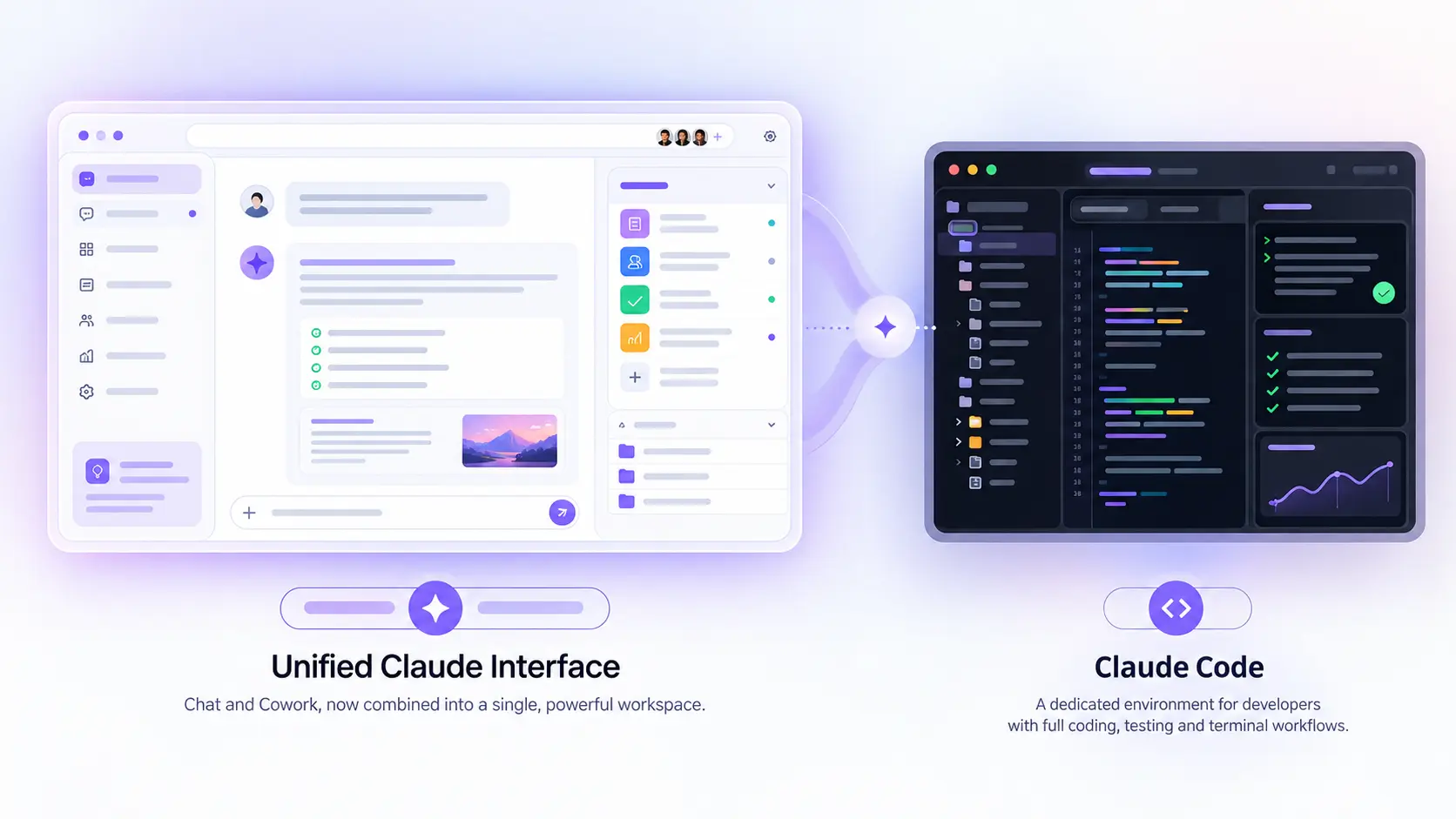
If you searched this question expecting a three-way comparison, here's the twist: as of September 18, 2026, two of the three are the same thing. Anthropic folded Claude Cowork into the main Claude chat interface, so the real decision most people face today is a lot simpler than it was a month ago.
This piece covers both versions of the answer — what each product used to be, what actually changed, and the decision that's left once you cut through the rebrand.
The Short Answer
Use Claude Code if you're a developer working in a terminal on a codebase. Use Claude — the regular chat interface — for everything else, including the multi-step, multi-file work that used to require switching to Cowork. You no longer pick a mode for that; you just describe the task and Claude decides how much agentic work it needs to do.
If you're specifically wondering how to actually use these day to day — prompts, workflows, setup — we've covered that separately in our walkthrough of using Claude Chat, Code, and Cowork for real project work. This piece focuses on the decision itself, and on what just changed.
What Each One Used to Be
Before September 2026, the three products were genuinely distinct, and a lot of still-circulating advice describes them that way:
Claude Chat (claude.ai) was a conversational interface: you ask, it answers, you go do the work. It had web search built in, a free tier, but no file system access and couldn't execute code.
Claude Cowork was the agent for hands-on work: it read and edited your local files and apps, ran multi-step tasks start to finish, and could be scheduled to run unattended. It gained computer-use capability (controlling your screen directly) in March 2026.
Claude Code was, and still is, the terminal agent built for developers — reading a codebase, writing and testing code, and working autonomously through a build or debugging session.
The common complaint, echoed by Anthropic itself, was that people didn't know which tab a given task belonged in, and work started in one didn't necessarily carry into another.
What Changed on September 18, 2026
Anthropic announced the change on September 16 and began rolling it out to Pro and Max subscribers on web, desktop, and mobile two days later. Instead of choosing between a Chat tab and a Cowork tab, you now just describe what you need in one conversation, and Claude determines internally how much agentic work — file access, multi-step task execution, background runs — the request actually requires.
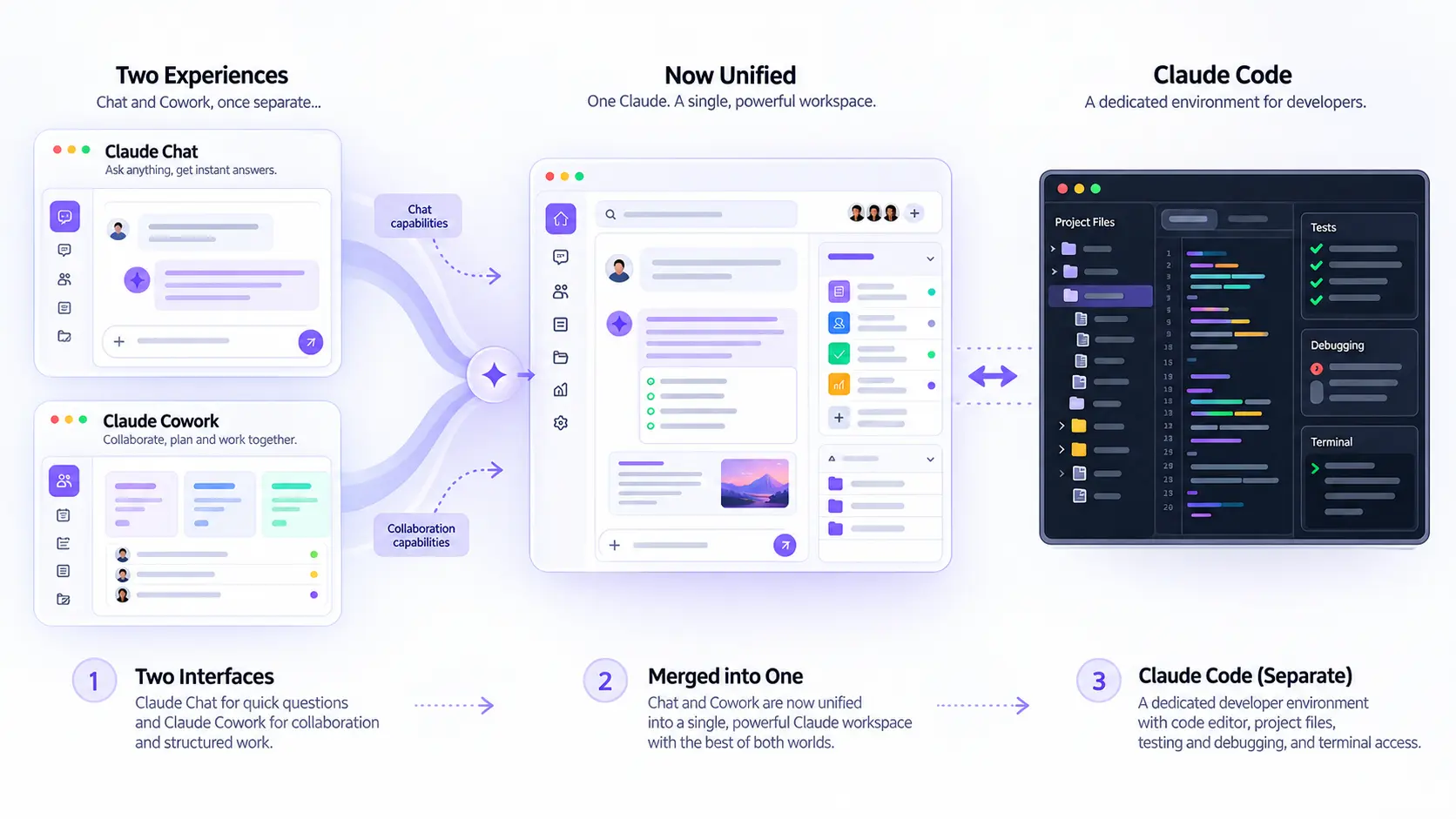
Chat and Cowork became one interface. Claude Code wasn't part of the change.
Two new products launched alongside the merge, both in beta: Claude Docs, for co-writing a document with Claude in real time and sharing it by link or exporting to Word or Google Docs, and Claude Slides, for building and editing a presentation inside a conversation and exporting it as PDF or PowerPoint. Claude Design, a visual-creation tool Anthropic launched earlier in the year, is now woven directly into any chat session rather than living as a separate destination.
If you used Cowork before the merge, nothing is lost: Anthropic says existing conversations, projects, artifacts, connectors, and skills all remain accessible. The capabilities didn't disappear — they just stopped requiring a separate tab. Free and Team plans are expected to get the update in a later wave, and Enterprise admins get at least 30 days' notice before it reaches their organization.
Why Claude Code Stays Separate
Claude Code wasn't touched by any of this, and the reason is straightforward: it solves a different problem for a different audience. It's a terminal-native agent built around reading a real codebase, running builds and tests, and working through a development session the way a developer actually works — not a chat window with file access bolted on. Recent additions like voice input (/voice), auto memory for build commands and code style preferences, and the /model opusplan routing pattern are all aimed squarely at that workflow, not at document drafting or research.
If your work is writing and running code in a project directory, Claude Code remains the tool built for that, merger or no merger.
The Decision Now
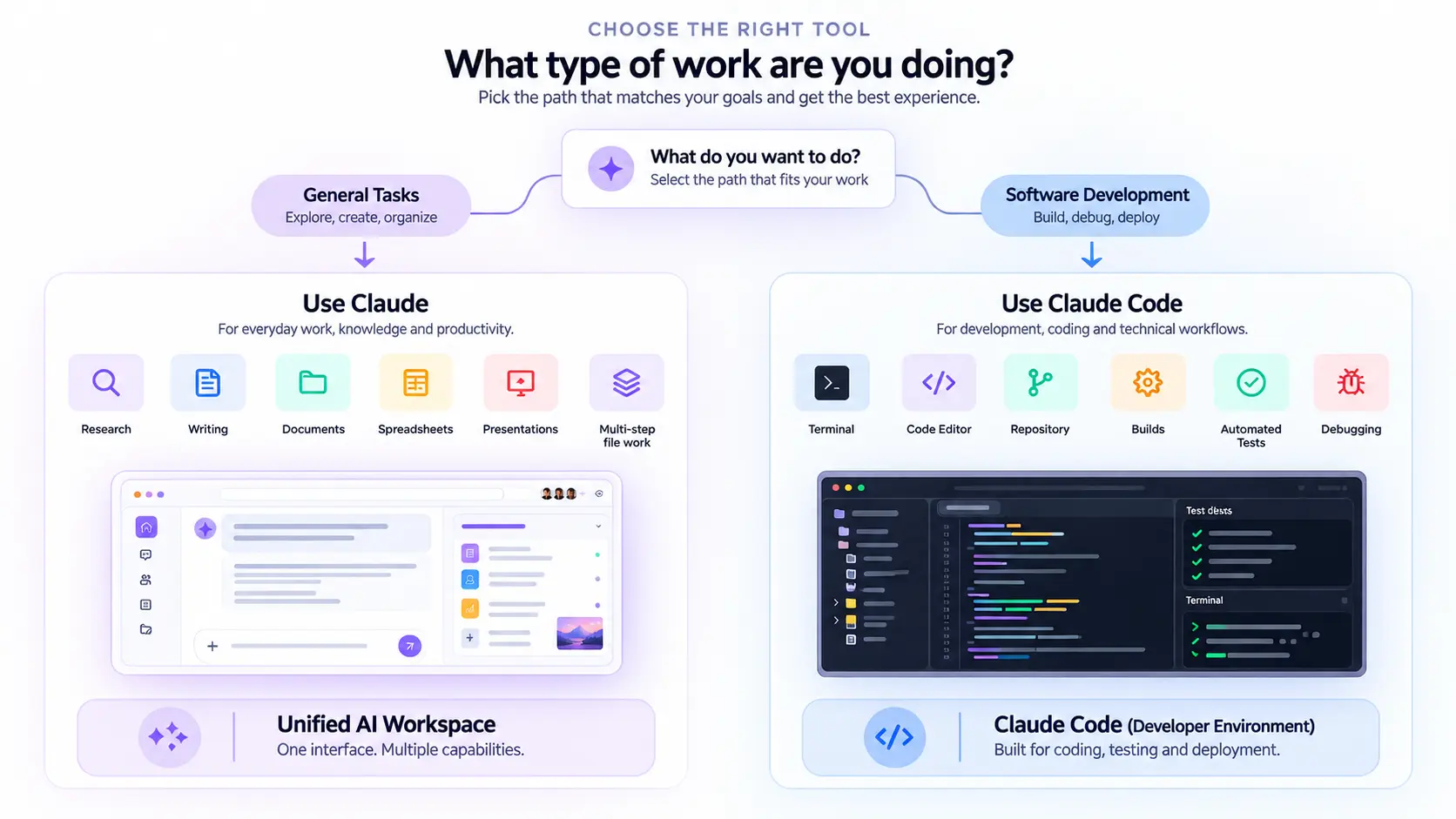
With Cowork folded in, the practical decision tree is shorter than it used to be:
Working in a codebase from the terminal? Use Claude Code.
Everything else — research, writing, spreadsheets, presentations, scheduling a recurring task, multi-step work across files — use Claude chat. Just describe the task; you don't need to find the right mode anymore.
Need a document or deck as the actual output? Claude Docs and Claude Slides (both beta, Pro/Max first) now handle that natively inside the conversation, rather than requiring an add-in or a separate export step.
The one genuine trade-off worth flagging: because the routing is now automatic, you have less manual control over exactly which mode handles a given request than you did when Cowork was a separate, deliberate choice. For most people that's a net win — less friction, fewer wrong-tab mistakes — but if you relied on explicitly invoking Cowork for a specific workflow, expect a short adjustment period as the automatic routing settles in.
What This Means If You Manage a Team
If you're the one who has to explain tooling choices to a team rather than just making them for yourself, this merger actually simplifies onboarding. Previously, ramping up a new hire on Claude meant explaining three products and the (often blurry) line between them — a conversation that tended to eat fifteen minutes of a first day for a benefit that mostly showed up months later. Now that explanation shrinks to two: Claude Code for anyone touching a codebase from the terminal, and Claude for everyone else, with the tool figuring out how much agentic work a request needs on its own.
That said, Enterprise admins shouldn't expect this to happen invisibly. Anthropic has committed to at least 30 days' notice before the merged experience reaches an organization's Claude accounts, which is enough lead time to update any internal documentation, Slack pinned messages, or onboarding decks that still describe Cowork as a separate destination. If your team built custom workflows or automations specifically around Cowork's old scheduling or connector setup, it's worth testing those early in the rollout window rather than assuming a one-to-one carryover, even though Anthropic says the underlying capabilities persist.
How to Actually Try the New Features
If you're on Pro or Max and want to see the change firsthand rather than read about it, the fastest way in is Claude Docs or Claude Slides — both are new enough that most users haven't tried them yet, and both make the “auto-routing” behavior obvious immediately. Ask Claude to draft a one-page project brief and watch it open as an editable document rather than a wall of chat text; ask for a five-slide pitch outline and it builds an actual deck you can present from, not a bulleted list you'd have to copy into PowerPoint yourself. That shift — from Claude describing work to Claude producing the work product directly — is really the throughline connecting the merger, Docs, Slides, and Design: fewer separate destinations, more finished output landing in the same conversation you started.